


A personal dashboard
for your browser.
A lightning-fast, customizable workspace built for focus and aesthetics. Featuring widgets, bookmarks, native browser sync — completely private and offline.
Free. Private. No account required.
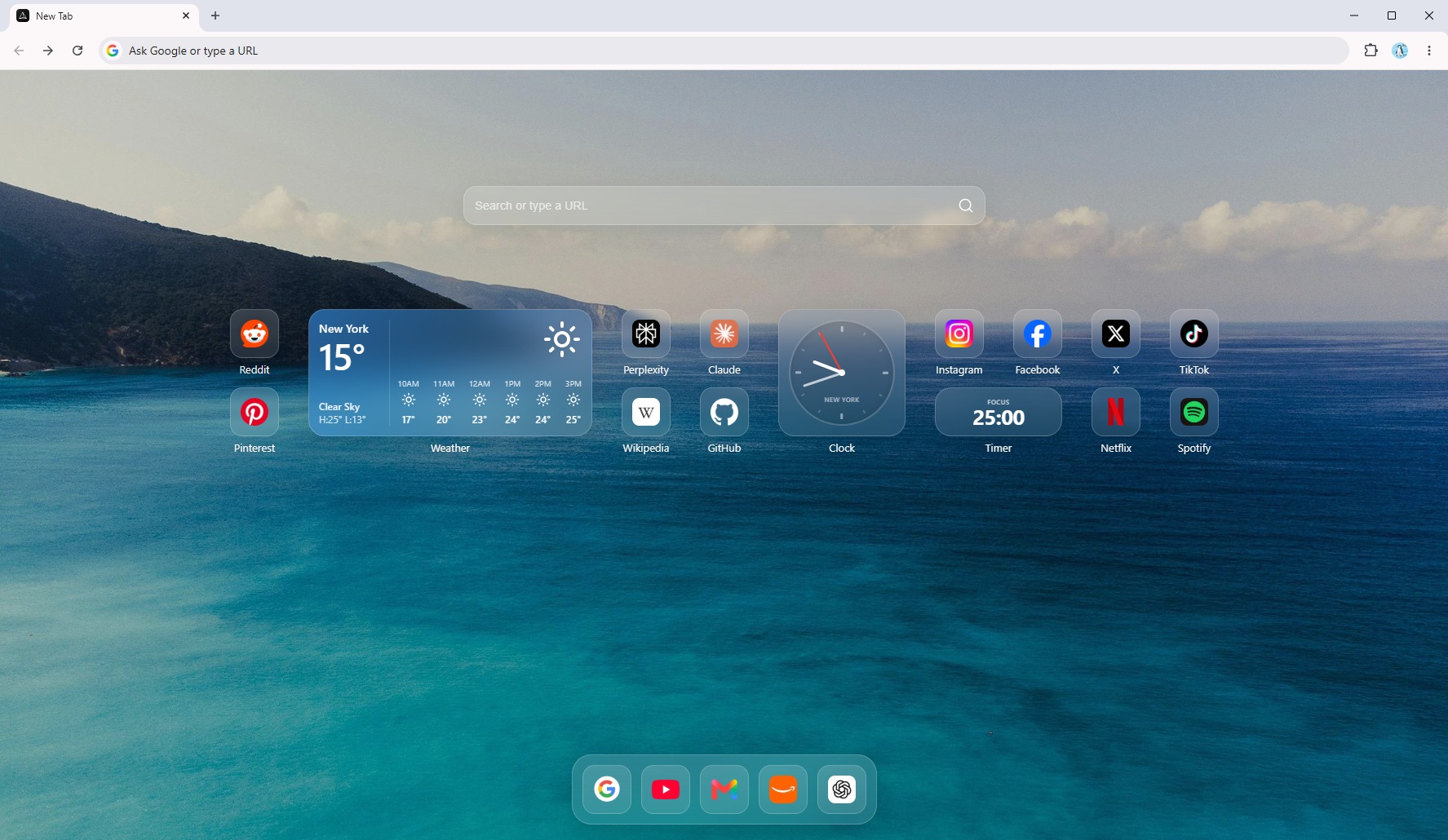
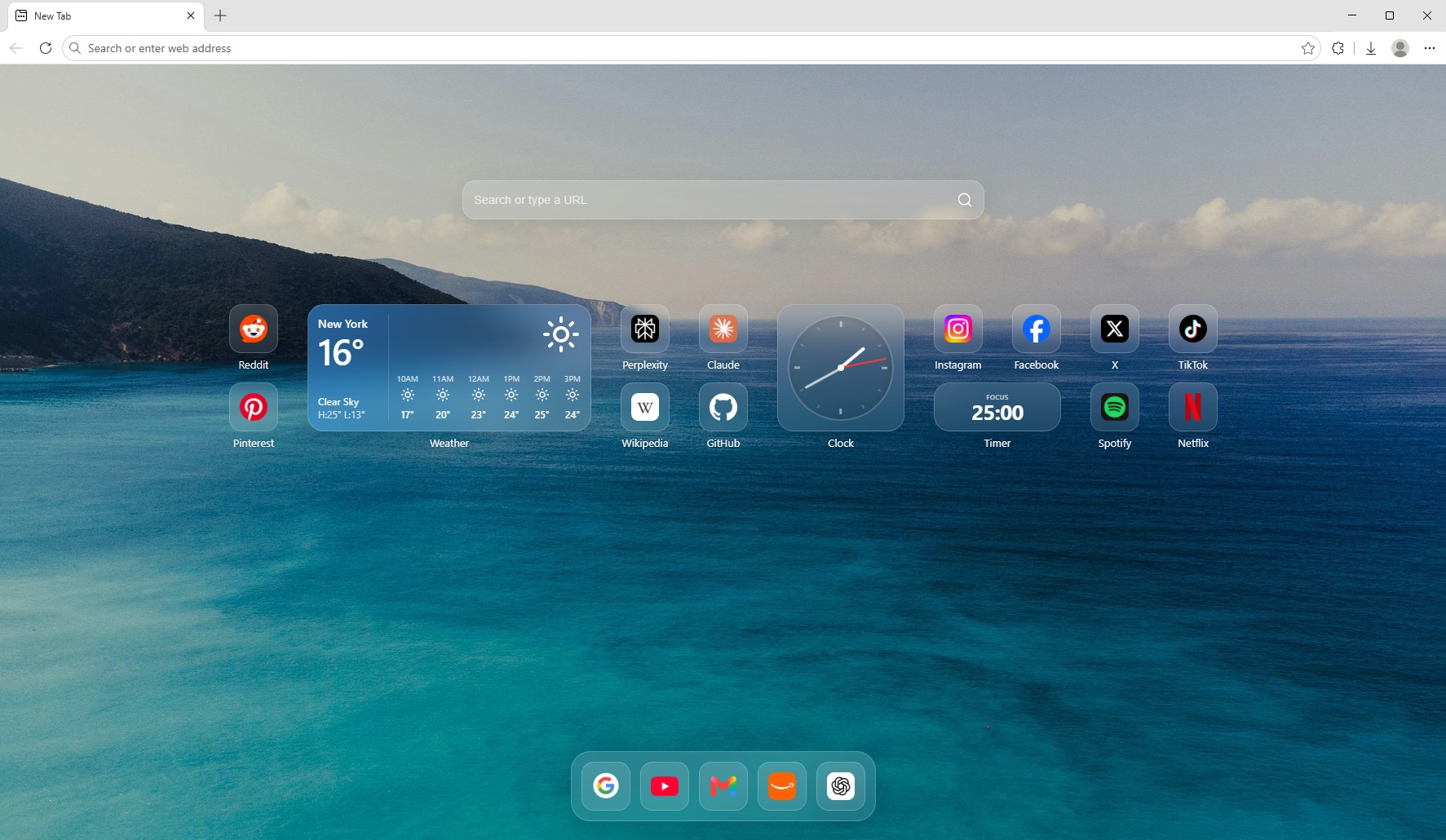
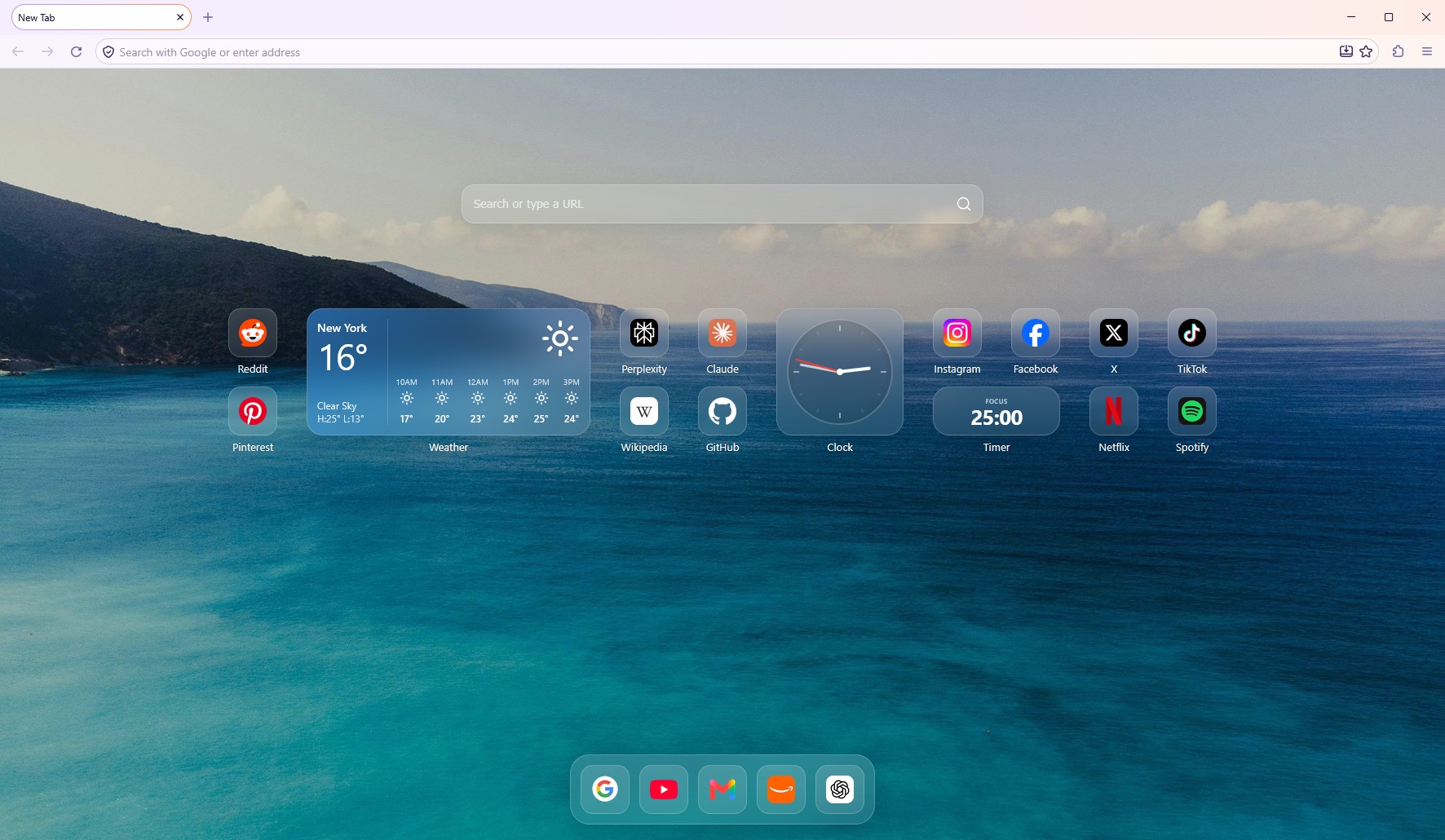
Essential widgets. Zero bloat.
Lightweight, privacy-first widgets designed to organize your day right on your new tab.
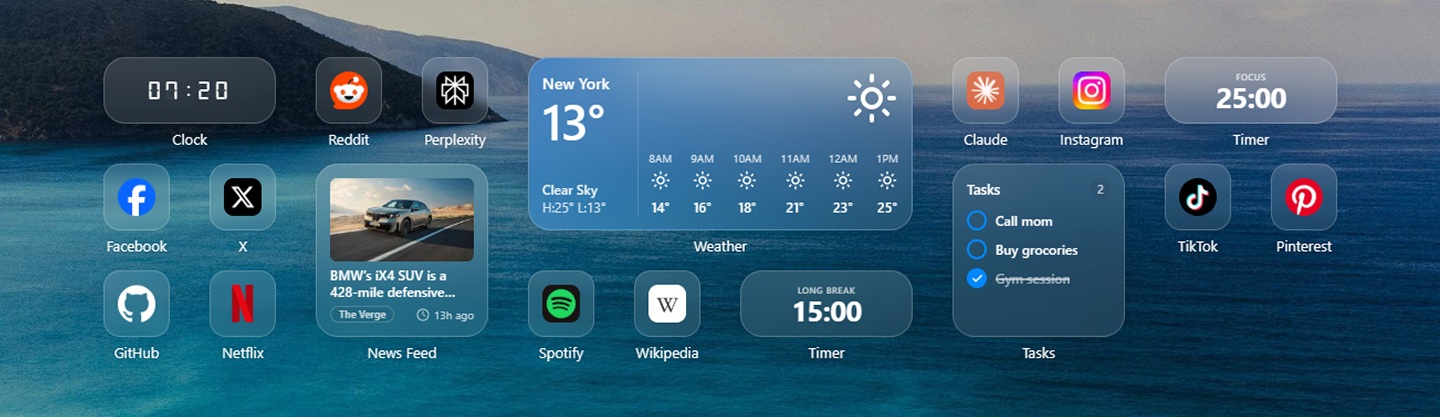
Fluid drag & drop.
Rearrange your workspace effortlessly. Move widgets and bookmarks across the grid or pin them to your dock.
- Hardware-accelerated drag and drop for instant responsiveness
- Drop bookmarks onto each other to instantly create folders
- Multiple widget sizes (Small, Medium, Wide) to suit your layout
Make it yours.
Full aesthetic control with zero complexity. Pick curated themes, upload custom photos, and adjust every visual element in one click.
- Store up to 12 custom photo wallpapers or choose daily rotating art
- 12 curated solid colors including true OLED dark & soft pastel themes
- Glass, Solid, or Borderless styles with Squircle & Circle shapes
- Smart contrast text that auto-adapts to stay legible on any background
Your bookmarks, instantly accessible.
Mirror your browser's existing bookmarks with optional two-way sync. Access everything via your dashboard or search at lightning speed.
- Spotlight search to find bookmarks, widgets, and folders instantly
- Optional 2-way sync keeps your browser bookmarks perfectly matched
- Right-click directly in search results to edit, open, or manage items
Minimalist mode.
Need zero distractions? Tap M to toggle Minimalist mode. Just a large clock, your daily goal, and a quote. Tap D to return to your dashboard.
- Distraction-free clock with multiple fonts & weights
- Set and complete a single high-priority daily goal
- Fresh daily quotes with 1-click clipboard copy
PrismTab Plus.
Cross-browser cloud sync and automatic backups for your workspaces, widgets, and bookmarks.
- Sync across all your browsers
- Automatic cloud backup for workspaces, widgets & bookmarks
- Instant restore on any new computer
- 14-day money-back guarantee
Questions, answered.
Does PrismTab track my browsing?
No. PrismTab doesn't run analytics or telemetry. The only network calls are ones you trigger yourself — a weather lookup to Open-Meteo, a favicon fetch, or an RSS feed you added.
Do I need an account?
No sign-up and no login required for normal use. All your settings, notes, and customizations live 100% locally in your browser. An account is only needed if you choose to subscribe to PrismTab Plus for encrypted multi-device cloud sync.
What is PrismTab Plus?
PrismTab Plus is our upcoming premium membership for power users who want their dashboard synced seamlessly across multiple computers and browsers. It includes encrypted cloud backups and early access to upcoming features for $4.95/month or $39.95/year, backed by a 14-day money-back guarantee.
Can I use my existing browser bookmarks?
Yes. Turn on bookmark sync in settings and PrismTab mirrors your existing folders. It keeps them in sync in both directions. You can easily search them via the Spotlight search.
Will it slow my new tab down?
No. PrismTab is built to open the instant you open a new tab. Wallpapers and feeds load quietly in the background so your browser always feels fast and responsive.
Upgrade your new tab.
Free, local-first, and installs in seconds.